How to Start Making Games: A Beginner’s Roadmap
A practical, step-by-step path for complete beginners: choose an engine, learn the basics, clone classics, finish tiny games, join jams and keep growing.
Wanting to make games is easy. Knowing where to start is not. Search for advice and you will find a hundred conflicting opinions about engines, languages, courses and “the right way” to learn. Most beginners don’t fail because they picked the wrong engine. They stall because they start a project far too big, never finish anything, and lose motivation.
This roadmap is designed to avoid that trap. It breaks the journey into stages with concrete goals, points to free official learning resources, and focuses on the one habit that matters most early on: finishing small games. You don’t need a computer science degree, an art background or expensive software to follow it.
Step 1: Decide what “making games” means for you
Before installing anything, spend ten minutes on two questions:
- What kind of games do you want to make? 2D or 3D? Short arcade games, story games, puzzle games? Be honest about the games that excite you.
- What is your goal? A hobby, a portfolio for a job, a commercial indie release one day, or simply to understand how games work?
Your answers don’t lock you in, but they help with the next decision. A hobbyist who loves pixel-art platformers needs a different starting point than someone aiming for a 3D environment art job at a large studio.
It also helps to know where your interests lie within game development. Programming, design, 2D art, 3D art, animation, audio and writing are all valid entry points. As a solo beginner you will touch all of them a little, but you don’t have to be great at all of them.
Step 2: Pick one engine and stick with it for a while
For most beginners today, the realistic choices are Godot, Unity and Unreal Engine. All three are free to start with. A short summary:
- Godot: lightweight, fully open source, excellent at 2D, uses the Python-like GDScript. A very gentle first engine. See our Godot explainer.
- Unity: uses C#, strong in 2D, mobile and VR, with a huge library of tutorials.
- Unreal Engine: the leader for realistic 3D, with Blueprints visual scripting so you can start without writing code; demanding on hardware.
Our full comparison, Unreal vs Unity vs Godot, goes into detail. The most important rule is this: pick one and commit to it for at least your first few finished projects. Switching engines every few weeks feels like progress but resets your learning each time.
Other paths exist too. Dedicated 2D tools such as GameMaker, beginner-oriented environments like Scratch, the “fantasy console” PICO-8, and code frameworks like LÖVE or MonoGame all have active communities. The roadmap below works with any of them.
Step 3: Learn the basics with official resources
Start with the free official learning materials for your engine. They are written for the current version, and they teach the engine’s intended way of working.
- Godot: the official documentation includes “Getting Started” sections and step-by-step tutorials to build a complete first 2D game and a first 3D game.
- Unity: Unity Learn offers free structured pathways, such as Unity Essentials for the editor and Junior Programmer for C# scripting, along with project-based tutorials.
- Unreal Engine: Epic’s free courses and tutorials, which were previously branded Unreal Online Learning, now live in the learning library of the Epic Developer Community, alongside the engine documentation and sample projects.
In this stage, aim to understand a small set of fundamentals rather than everything:
- How the editor is organized: scenes or levels, objects, properties.
- Moving an object with keyboard or controller input.
- Collisions and triggers: detecting when the player touches something.
- Spawning and destroying objects (bullets, enemies, pickups).
- Simple UI: a score counter, a health bar, a game-over screen.
- Playing a sound and switching between scenes or levels.
If you are learning to program at the same time, that is fine. Many developers learned coding through making games. Expect to look things up constantly, which is normal even for professionals.
Avoid “tutorial hell”
A common beginner trap is watching tutorial after tutorial without building anything independently. A good rule: after each tutorial, change something on your own. Add a new enemy type, a second level or a different win condition. If you can modify it, you understood it.
Step 4: Clone small classic games
Once you know the basics, the best next step is to recreate simple, well-known games. Cloning removes the design problem (“what should my game be?”) and lets you focus on implementation. Good candidates, roughly in order of difficulty:
- Pong: movement, collisions, scoring, a win condition.
- Breakout: ball physics, destroying bricks, levels.
- Flappy-style one-button game: gravity, procedural obstacles, restarting.
- Asteroids: rotation, momentum, screen wrapping, spawning waves.
- Snake or Tetris: grid logic, game states, increasing difficulty.
- A single-screen platformer: jump physics, tiles, hazards, collectibles.
Each clone teaches a few new concepts while being small enough to finish in days, not months. Clones are for learning; if you publish them, add your own twist and don’t copy another game’s art, names or trademarks.
Step 5: Scope tiny original projects and finish them
Now make your own small games. The key word is small. A useful test is whether you can describe the whole game in one sentence and imagine finishing it in one to four weeks of spare time. Examples of good beginner scope:
- A single-room puzzle game with five levels.
- An endless runner with one mechanic twist.
- A five-minute top-down shooter with one boss.
Examples of beginner scope that usually fail: an open-world RPG, an online multiplayer game, a “game like my favorite AAA title but bigger.”
What “finished” means
A finished game has a start screen, a way to win or lose, a way to restart and no game-breaking bugs. That is it. Finishing teaches skills you cannot learn otherwise: polishing, fixing edge cases, building menus, exporting a build and saying “done” while the game is imperfect. Our overview of how video games are made shows that professional studios follow the same concept, prototype, production and polish loop on a larger scale.
Step 6: Share your games and get feedback
Put your finished games where other people can play them. itch.io is the most common home for small and experimental games; you can upload a downloadable build or, for many engines, a web version that runs in the browser. Share them with friends, communities for your engine and game development forums.
When you ask for feedback, watch people play if possible, without explaining anything. Where they get confused or bored is more valuable than any compliment. Treat criticism of the game as information, not as a judgment of you.
Step 7: Join game jams
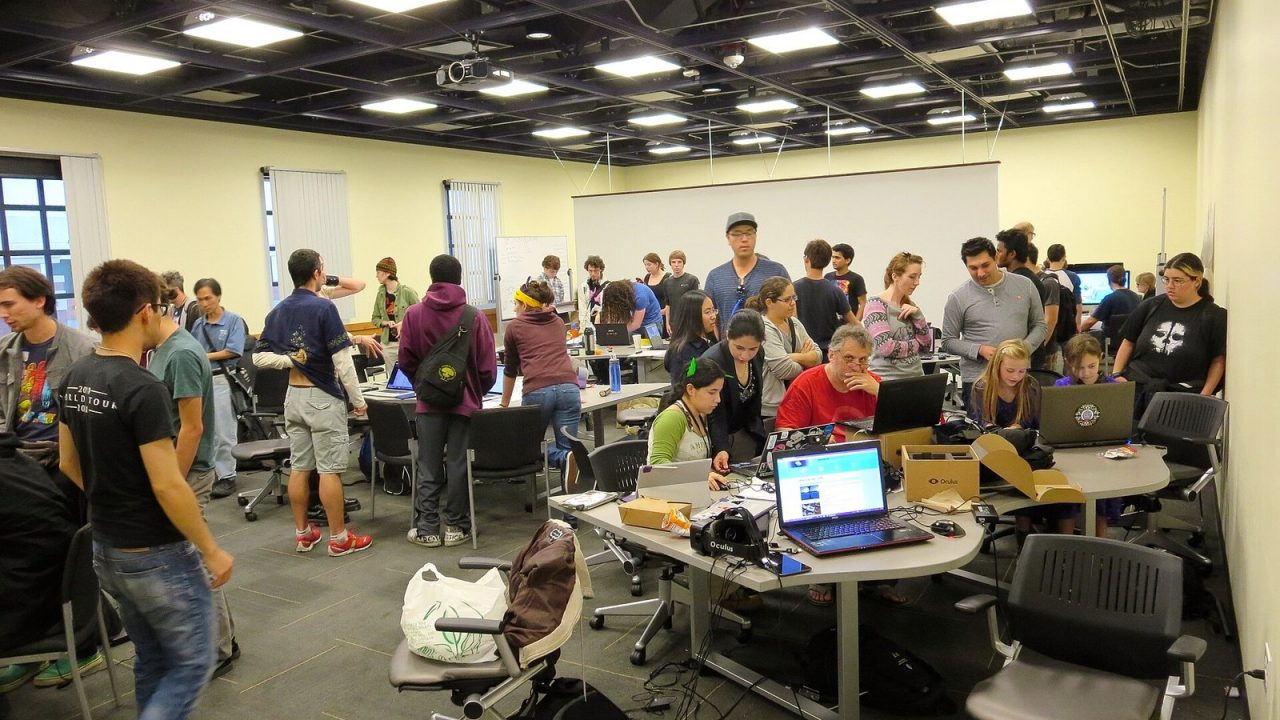
Game jams are events where people make a game in a fixed, short time, often 48 to 72 hours or a week or two, usually around a theme announced at the start. They are ideal for beginners because the deadline forces you to scope small and finish. Well-known examples include Ludum Dare, the Global Game Jam and the GMTK Game Jam, plus hundreds of smaller jams listed on itch.io every month.
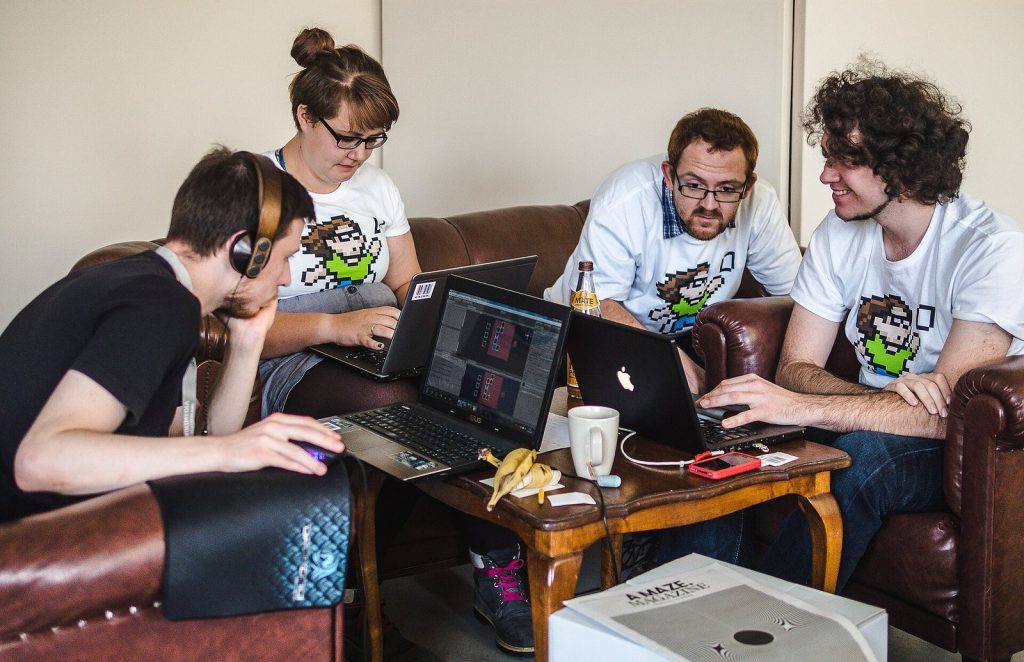
Tips for a first jam:
- Plan to finish your core idea in the first half of the time; use the rest for polish and bug fixes.
- Keep the mechanic simple and the presentation clean.
- Join a team if you want to learn collaboration, or go solo to practice everything.
- Play and rate other entries afterward. You will learn from other people’s solutions.
Step 8: Learn just enough art and audio (or use free assets)
You don’t need to be an artist to make good-looking games. Options:
- Use free assets. Kenney publishes large packs of game assets under a CC0 public-domain license, which means you can use them in commercial projects without attribution. OpenGameArt and itch.io also host many free assets; always read each asset’s license, since requirements vary.
- Learn simple art styles. Low-resolution pixel art, flat-shaded low-poly 3D and simple geometric shapes are approachable and can look great with a consistent color palette.
- Learn basic tools. Free software such as Blender (3D), Krita (painting) and Audacity (audio editing) is used by hobbyists and professionals alike.
- Don’t neglect sound. Simple sound effects for jumping, hitting and collecting make a game feel dramatically better.
Step 9: Level up deliberately
After several finished small games, pick a direction and go deeper:
- Programmers: learn clean code structure, state machines, simple AI, saving and loading, and using a debugger and profiler.
- Designers: study level design, difficulty curves, onboarding and playtesting methods.
- Artists: learn your engine’s material, lighting and animation tools, and how to make assets that run well.
- Everyone: use version control such as Git from now on. It protects your work and is expected in any team.
Then try a slightly larger project, perhaps two to three months, still with a strict scope. If you want to work in the industry, build a portfolio of finished, polished work in your chosen discipline rather than many half-done prototypes.
Common beginner mistakes to avoid
- Starting with a dream project. Save it for later, when you have the skills to do it justice.
- Engine-hopping. Every engine has frustrating parts. Push through them.
- Perfectionism. Ship small and imperfect; improve on the next game.
- Working in isolation. Communities, jams and feedback speed up learning enormously.
- Comparing yourself to professionals. Commercial games are made by experienced teams over years. Compare yourself to your own previous project.
- Skipping backups. Losing weeks of work to a broken drive or bad edit is entirely avoidable.
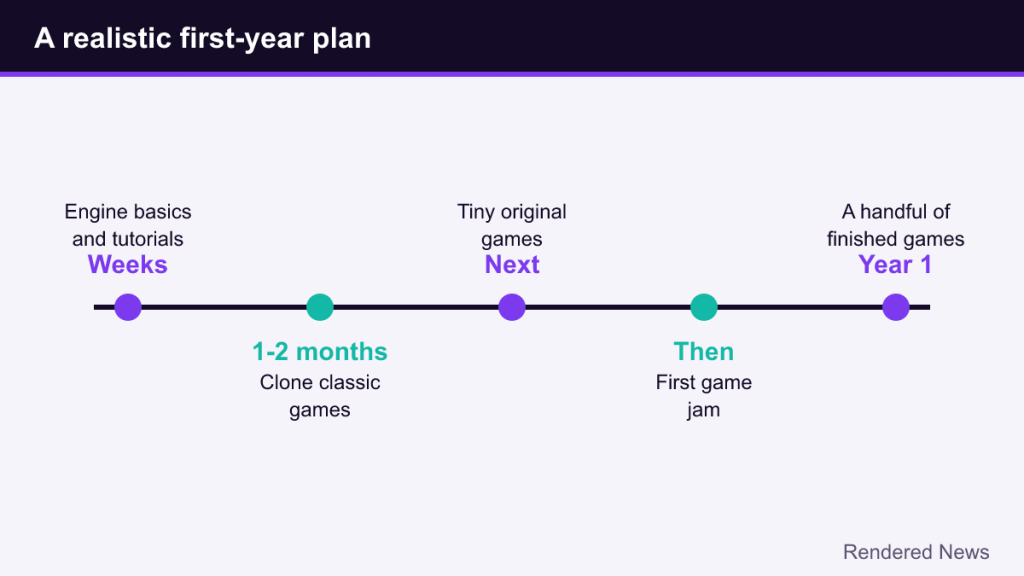
A simple timeline to aim for
Everyone learns at a different speed, but a realistic plan for someone practicing a few hours per week might be: a few weeks on engine basics and tutorials, then one or two months cloning classic games, then several tiny original games and a first game jam. Within the first year, you can have a handful of finished, playable games on itch.io. That collection, and the habits that produced it, are the real foundation of a game developer.